Advanced Visual Display
Display systems built for the space.
Large-format LED, video walls, and interactive displays make information visible across a room or a whole building. We assess how the technology performs and what it takes to deliver it profitably.
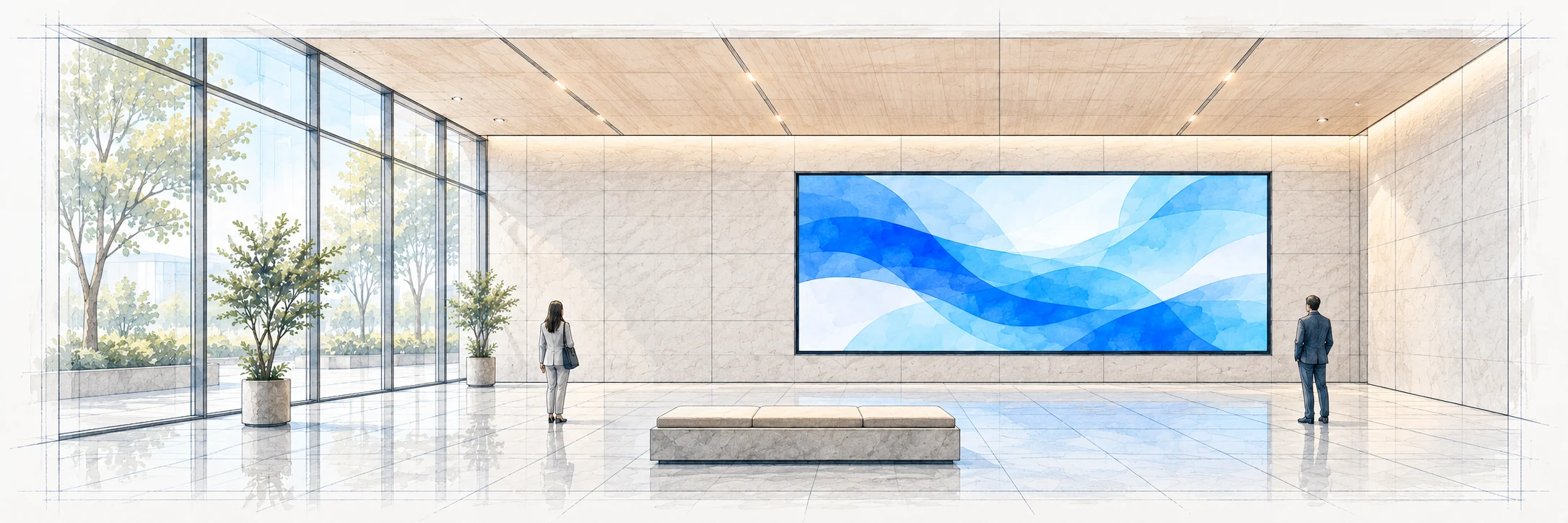
How Advanced Display Systems Work
A display system brings together a screen, control electronics, content processing, and the structure that supports it. Direct-view LED builds the image from light-emitting modules. Other systems use individual flat panels or combine several panels into a video wall.
The specification starts with the setting: viewing distance, ambient light, content, and hours of operation. The business has to deliver a consistent image, a practical installation, and support throughout the system’s working life.
A Different Display for Each Setting
A lobby display and a control-room wall have different jobs. Screen size alone does not tell you whether either system is right for its users.
Large-Format Video Walls
Create a continuous visual focal point in a lobby, showroom, or public space. Match the image detail and brightness to where people will view it.
Control Rooms
Bring multiple information sources into one shared view. Readable detail, dependable operation, and clear control of the inputs matter.
Interactive Displays
Let people explore information or work together on screen. Touch response, reach, and the software interface need to suit the task.
Immersive Spaces
Use coordinated displays to present content across a larger environment. Content production, alignment, and synchronization are part of the system.
Delivering a Display System
The finished installation must work as a whole. Hardware performance, software, mounting, and service access all affect the customer’s experience and the cost of support.
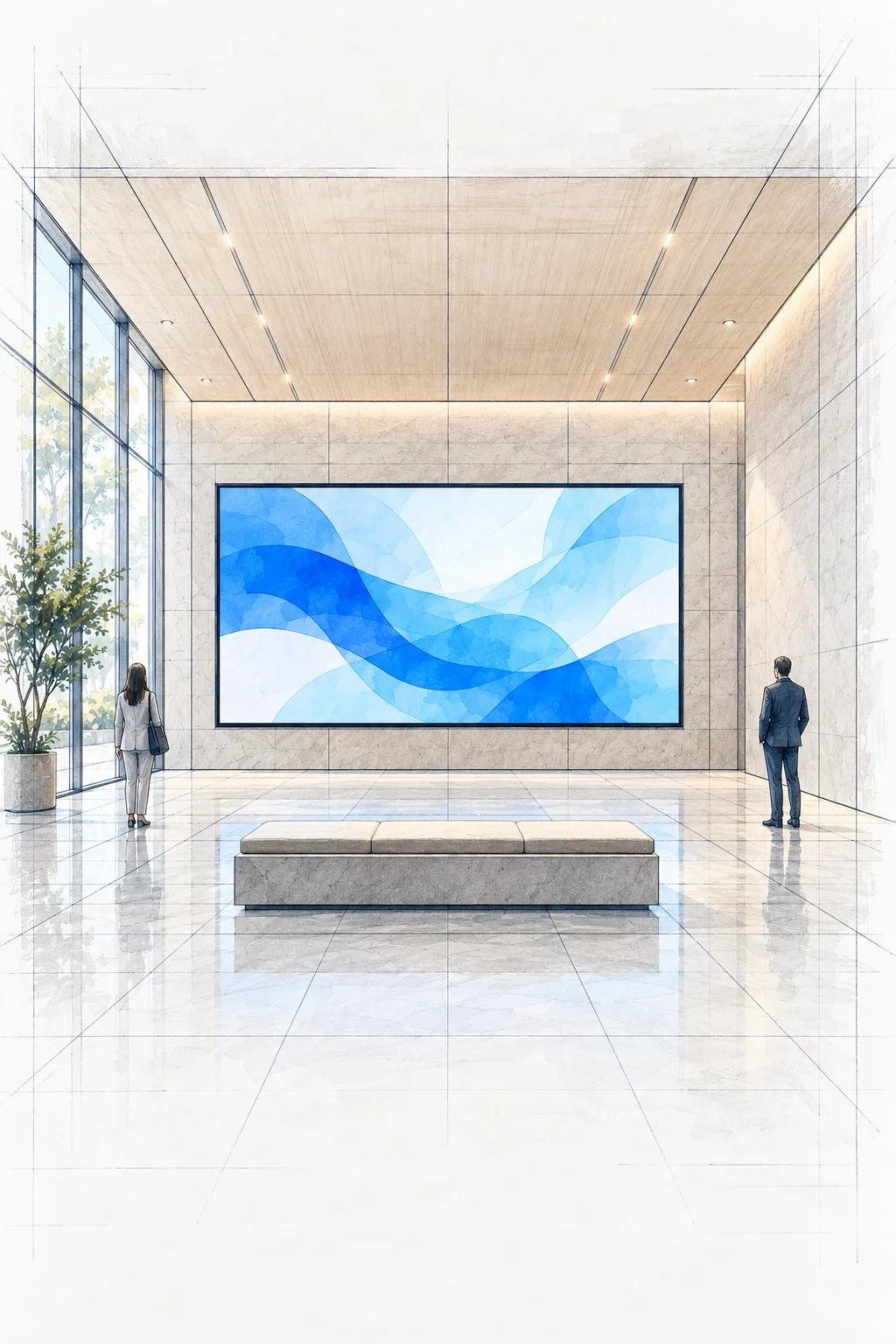
Image Quality in Context
Choose resolution, brightness, and contrast for the space and content. For LED, pixel spacing needs to suit the viewing distance, not just a specification sheet.
Processing and Control
Make content sources, processors, and display controllers work together. Test how the system handles different inputs and how staff will operate it.
Installation and Calibration
Plan structural support, power, heat management, and access for service. Align the display surface and calibrate color and brightness across it.
Service over the Working Life
Plan for spare modules, software updates, repairs, and warranty obligations. Make it clear who supports the customer and what the service commitment costs.
How We Assess a Display Business
We advise, own, and scale technology companies.
Our assessment connects the product’s advantages to customer demand, delivery costs, and the support the business must provide.
Customer Value
What does the system do better for a specific customer? Is that advantage visible in the installed result, and does it justify the price?
Repeatable Delivery
Can the team deliver consistent quality across installations? How much custom engineering, supplier dependence, and rework does each project require?
Margins over the Lifecycle
What remains after hardware, integration, installation, and sales costs? Are warranty, spare parts, and ongoing support reflected in the economics?
Discuss Your Display Business
Tell us about your technology, your customers, and where you need help, whether you are bringing a product to market or expanding an established business.